OneDrive
Sharing a Folder with OneDrive
OneDrive is a cloud-based storage service available to all students at Quinnipiac. You can share a folder with other students and faculty at Quinnipiac. They will have complete read/write access to the folder. Here's an overview of the process:
- Go to OneDrive here. Log in with your QU credentials (starting with your QU email address).
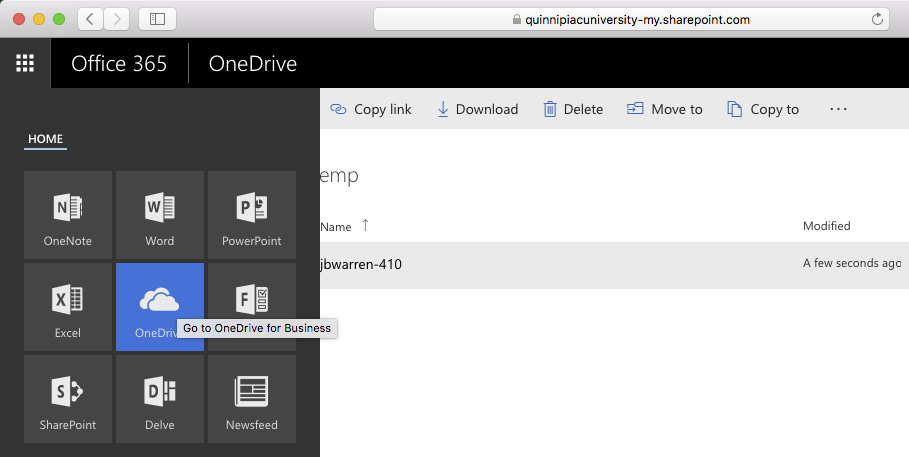
- Make sure you are in the OneDrive section. You can use the grid menu at the top left to do so.
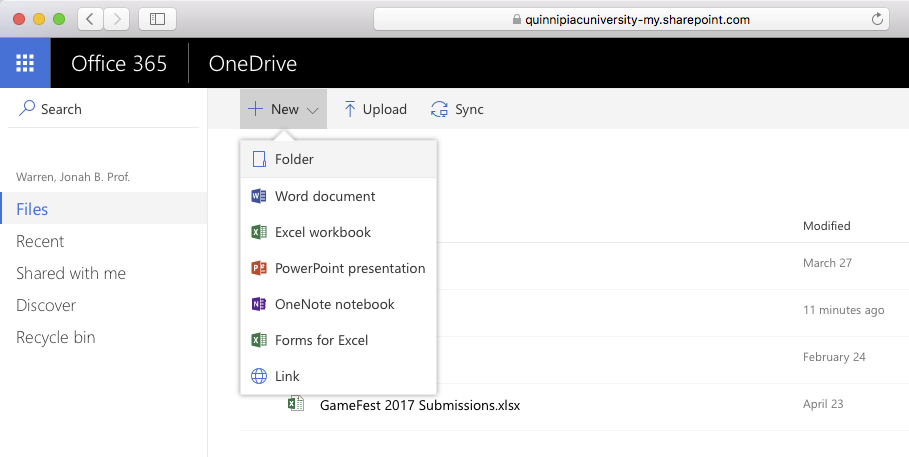
- Create a new folder from the New menu.
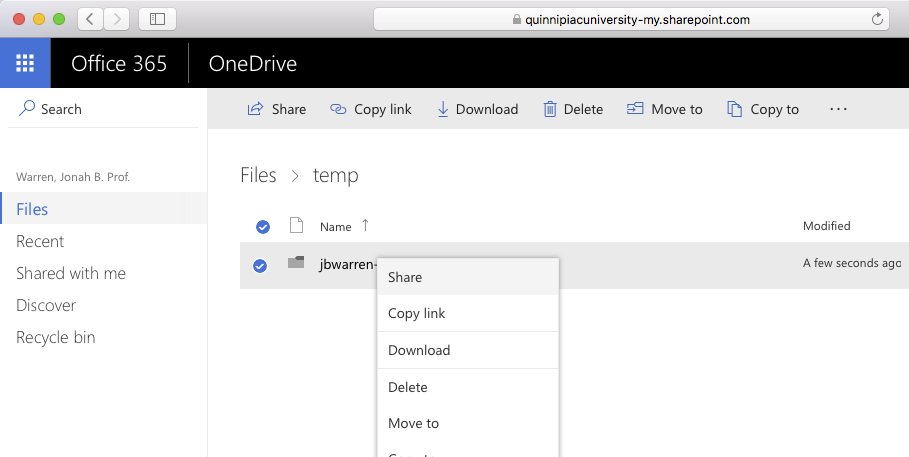
- Right click (or hold down the control button on a Mac while clicking) and select Share.
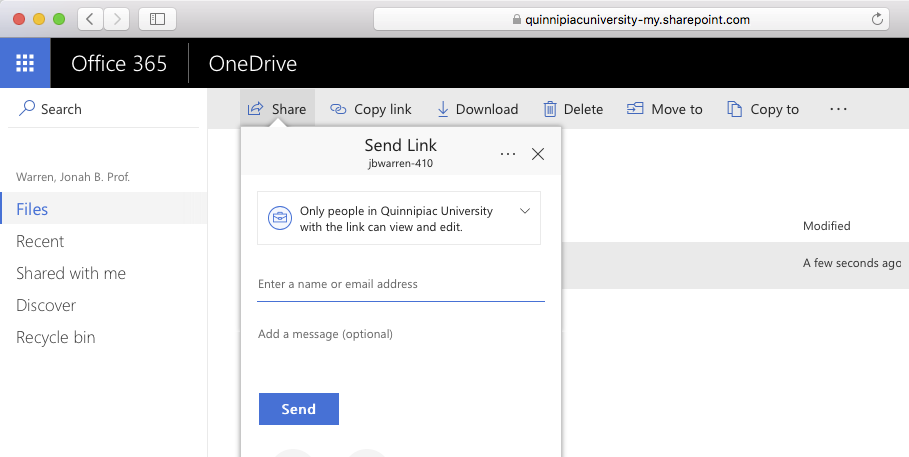
- Enter the QU address you'd like to share the folder with.