Chris Blake
Teaching Experience and Contributions
Since 2020, I have been a dedicated faculty member at Quinnipiac University, leveraging my industry experience to enhance the Game Design & Development program. My efforts have significantly contributed to equipping our students with the essential skills required to thrive in the competitive games industry.
I spearheaded the integration of Epic's Unreal Engine into our curriculum, ensuring our graduates are well-prepared for industry demands. Currently, I am on the path to becoming an Unreal Authorized Instructor and teach the "Introduction to Unreal Engine" and "Advanced Unreal Engine" courses, which are designed to elevate our students' capabilities and job prospects.
Additionally, I teach several courses focused on Unity's game engine, building students' skills in programming with C#, animating, designing UI, and more.
Professional Background
My journey in game development began in 1998 with Quake modding. Professionally, I have served as a game programmer and designer at Mind Trust Labs and Solitonz Games, where I honed my skills and contributed to various successful projects.
Additional Skills and Interests
Beyond game development, I am passionate about programming in other fields. I develop course websites, create tools for faculty, and engage in fun projects for my children. My hobbies include woodworking, traveling, and hiking, which enrich my creative and professional life.
GDD310
Intro To Unreal Engine
Introduces students to collaborative work in Unreal with a team project designed to emulate a game studio environment.
- Student via Quinnipiac Evaluations
GDD175
Advanced Unreal Engine
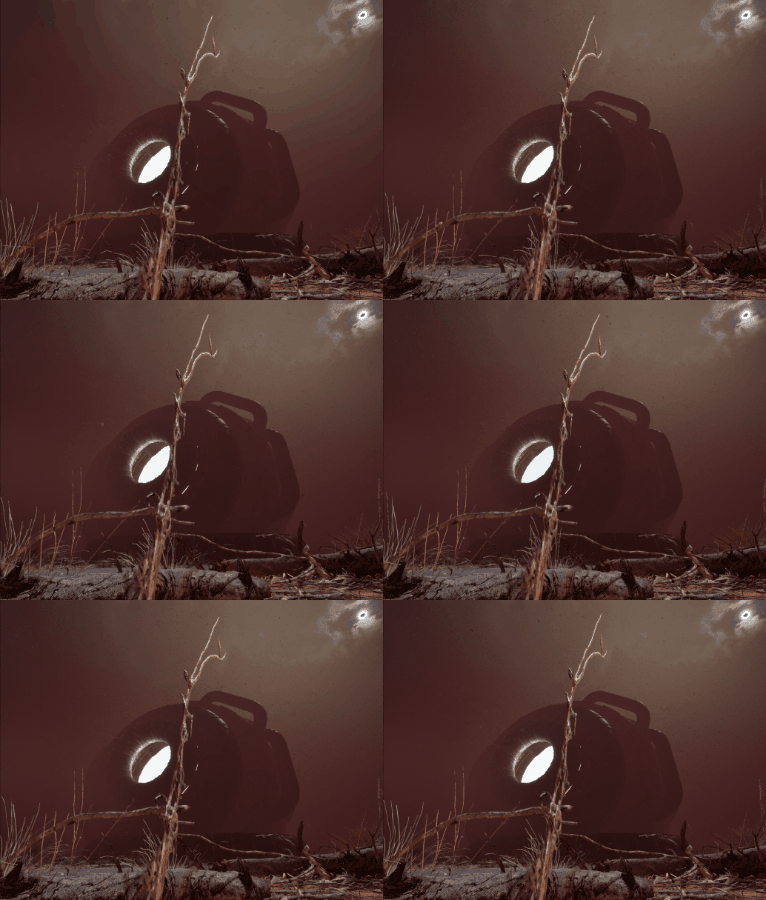
Students generate interactive media on teams designed to prepare them for working in the games industry.
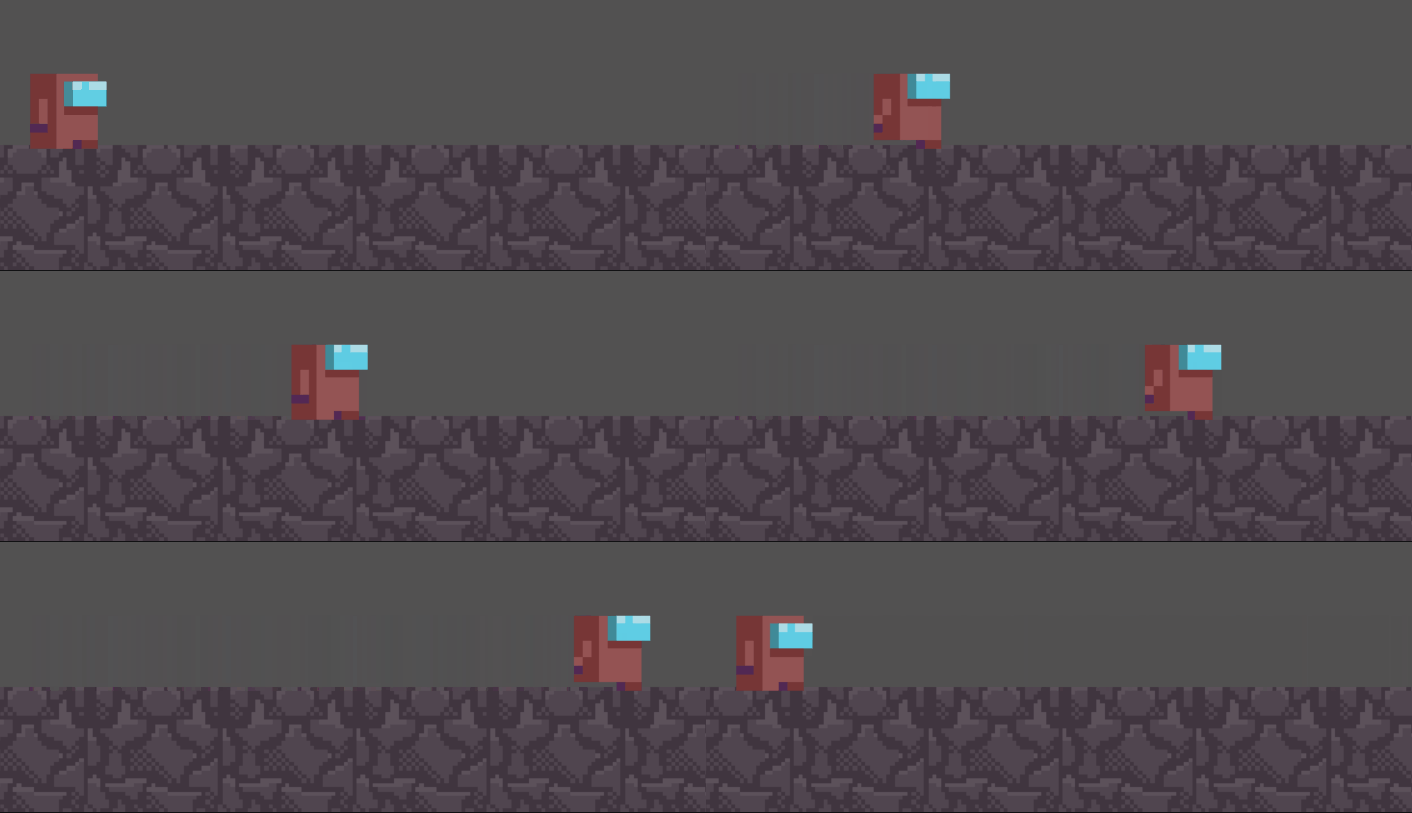
GDD 200
Introduction to Game Development
Introduction to Unity course designed for Quinnipiac University's Game Design & Development program.
Course focuses on introducing the Unity editor and the Game Object / Component system, sprite based animations, Unity's physics engine, and basic
programming concepts.
"I really enjoyed working in Unity and finally being able to make games, it was rewarding to complete each Exercise and Project.
I really feel like I am a world away from last semester in terms of how good I am at game design" - Student via Quinnipiac Evaluations

GDD 210
Game Lab 1 : Team Projects
Game Lab designed for QU's GDD program.
Introduces students to building 3D games in Unity: Creating a 3D Character Controller, utilizing Unity's lighting and material systems, and how to
identify objects with raycasts. Students create teams and design games together using source control tools, project management software, and utilizing Agile
methodology.
"He is very helpful, as he is able to provide help over discord at hours that normally wouldn't be available, which helps as I may be
working late with a question, and he is able to help and answer my question and how to do it properly." - Student via Quinnipiac Evaluations

GDD 211
Game Lab 2 : Team Projects
Game Lab designed for QU's GDD program.
Course builds upon skills related to working on small teams to deliver a complete game. Also covers 3D animation, UI/UX principles, and
object-oriented programming concepts.
"The sample projects we received in class were great for learning how to use the concepts we went over in class, especially the inheritance lab." - Student via Quinnipiac Evaluations
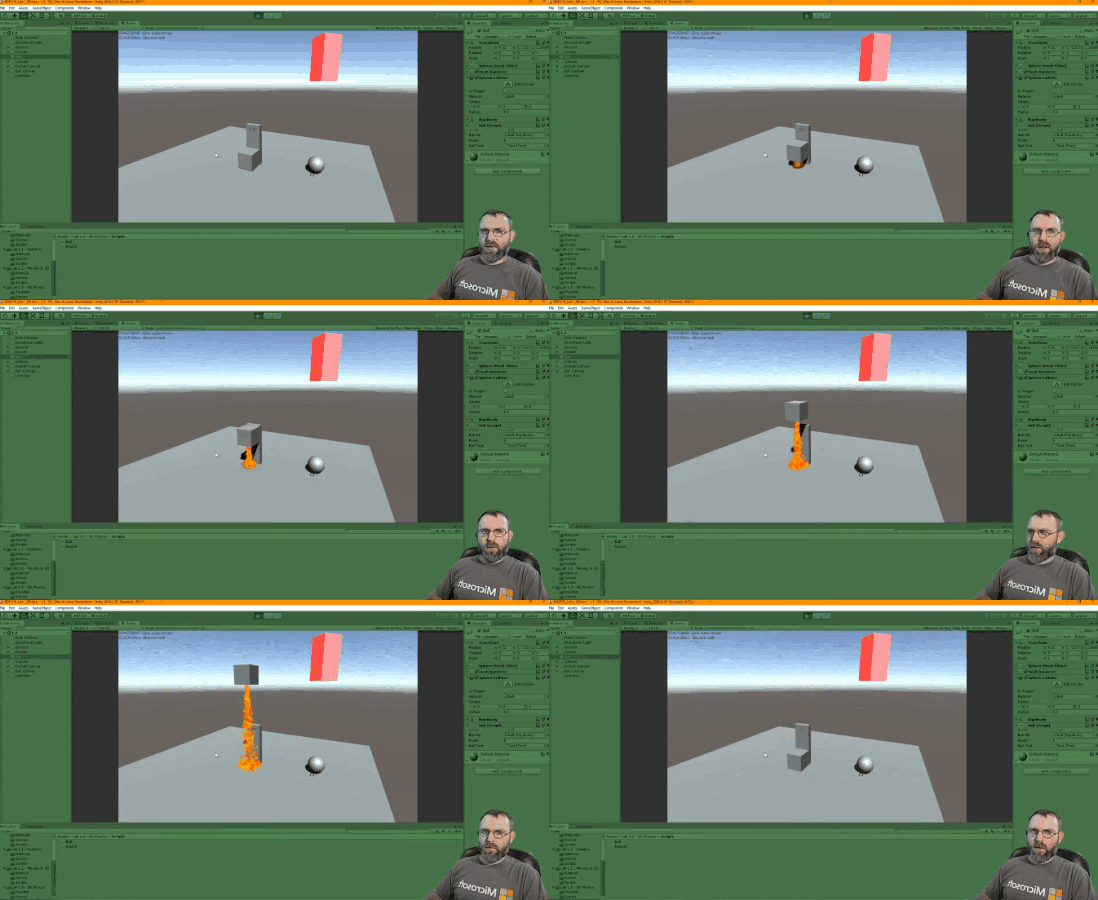
GDD 411
Game Lab 6
Course designed for QU's GDD program in which students form teams, build, and deploy,
complete games.Teams are managed as small game studios, where Agile methodology and daily scrum keeps the team on task and meeting
deadlines. Thorough playtesting and feedback drives iterative design.
"The course was overall a good experience and allowed a great deal of flexibility for our team to figure out what worked best for us. " - Student via Quinnipiac Evaluations
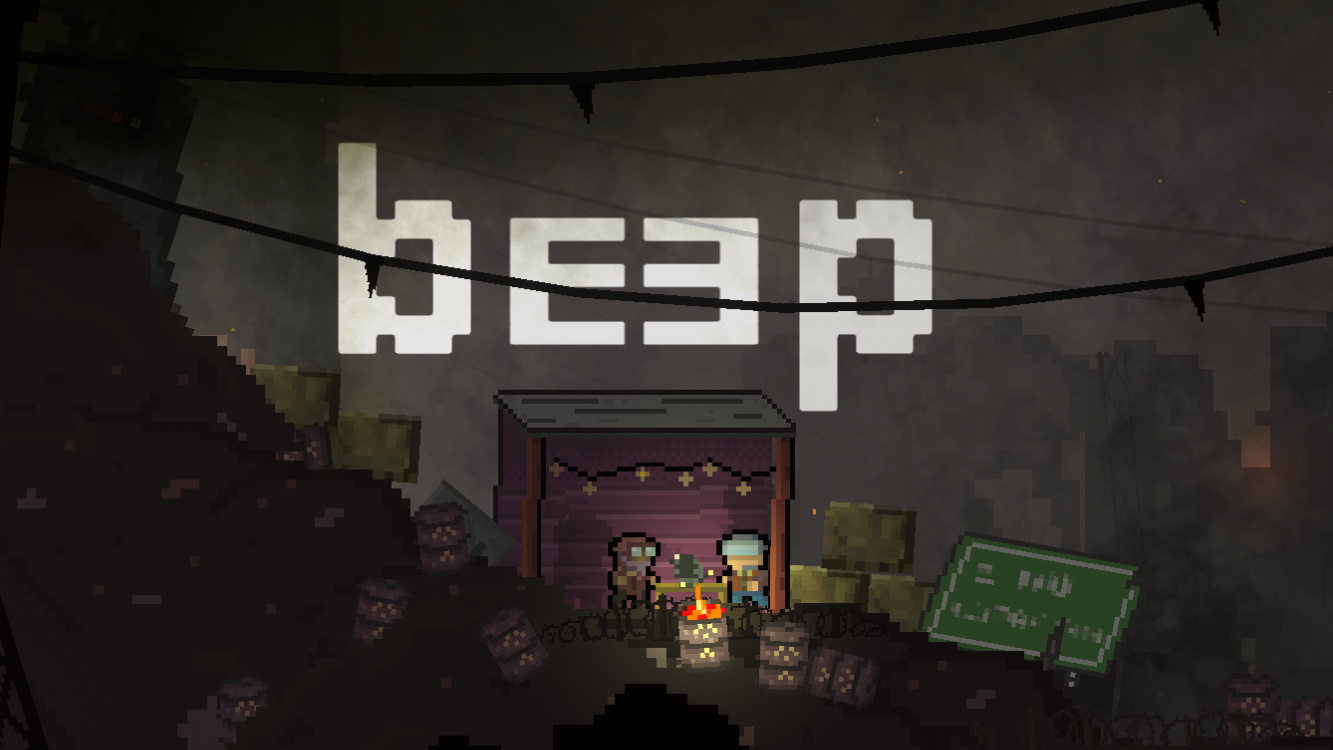
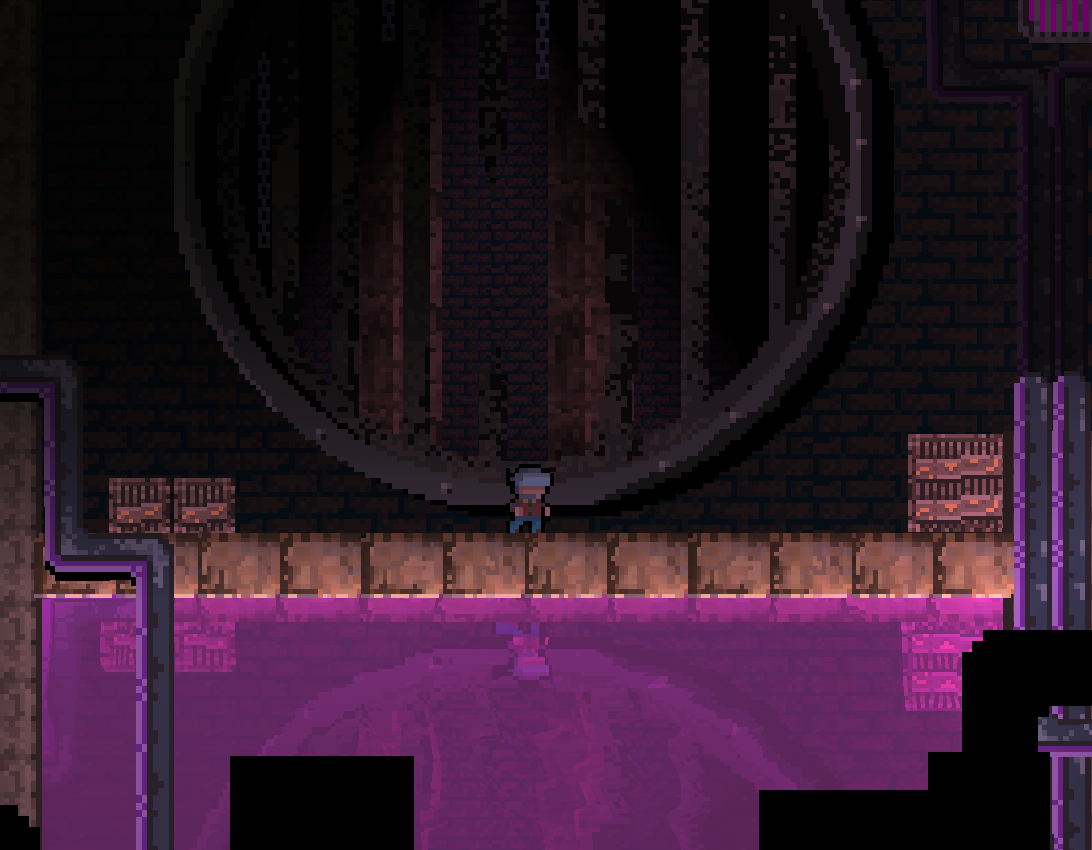
- Raycast-based character controller with running, jumping, and sliding capabilities. Optimized for precision platforming at any framerate.
- A forward looking, padded, camera system that creates a smooth gameplay experience.
- Pixel art and sound design that creates an immersive world and emotional connections.
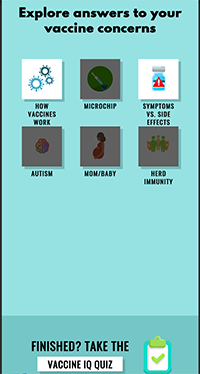

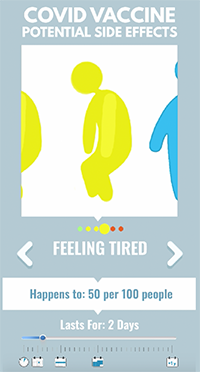
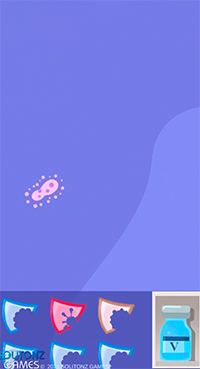
As the lead Unity developer and programmer on this project, I implemented features including:
- Localization System: All game text read from
CSVfile to enable use in many languages. - User Data: Gather user data and store on database.
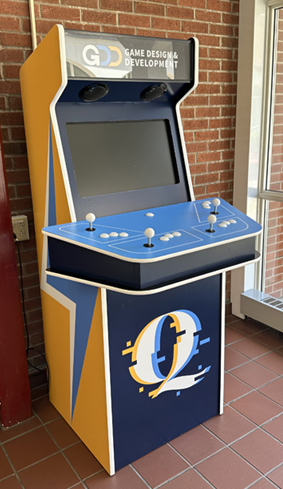
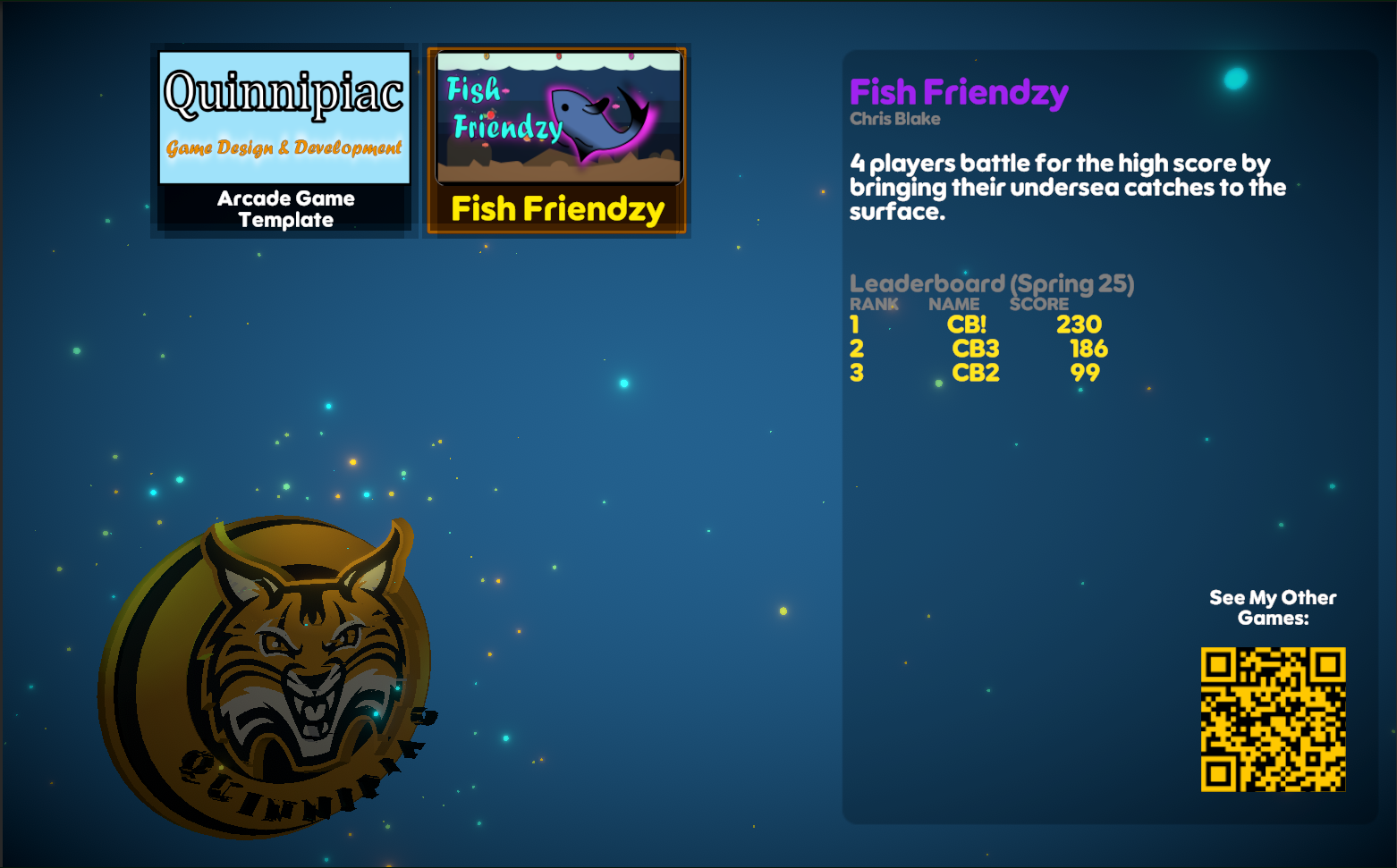
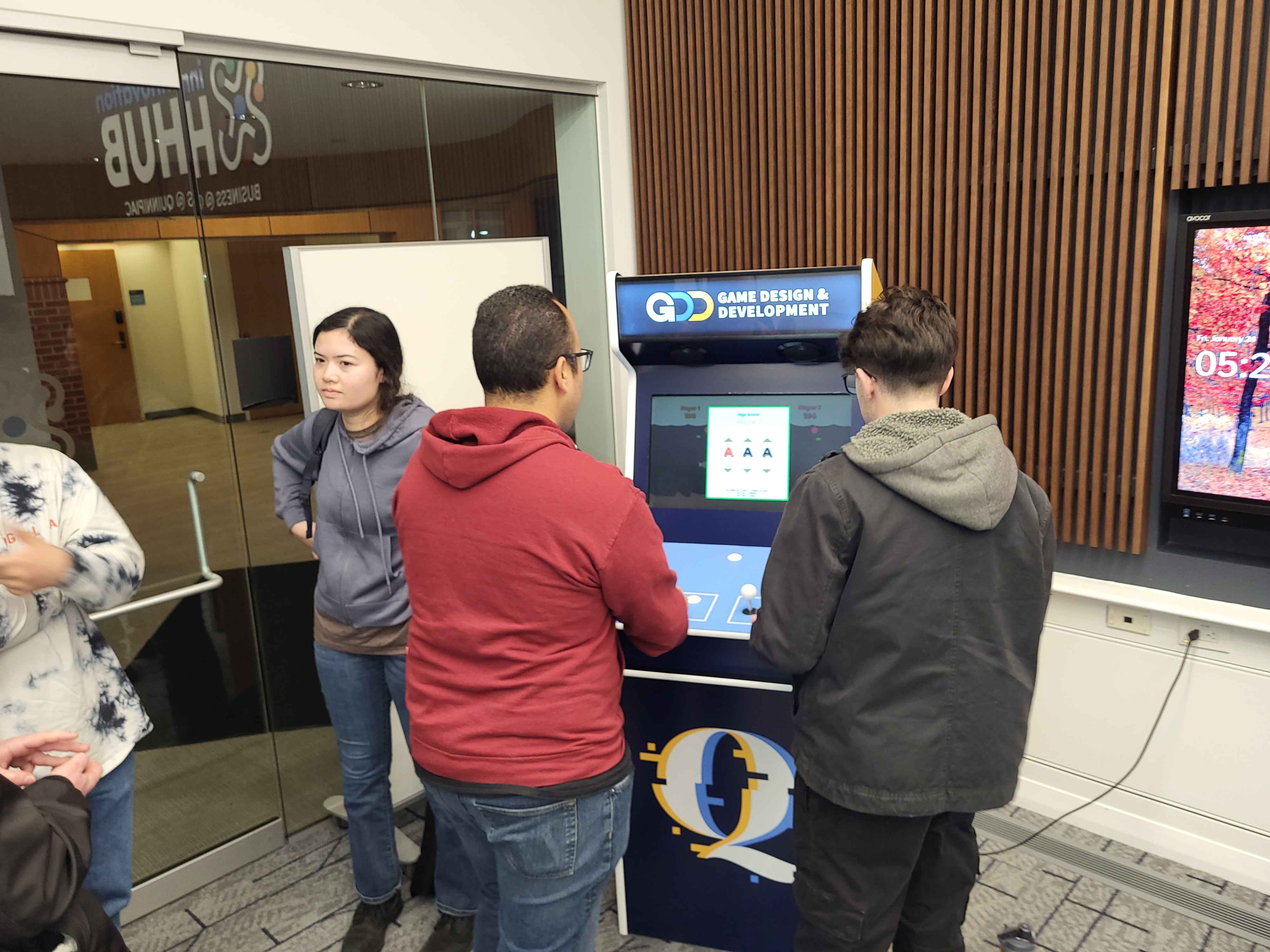
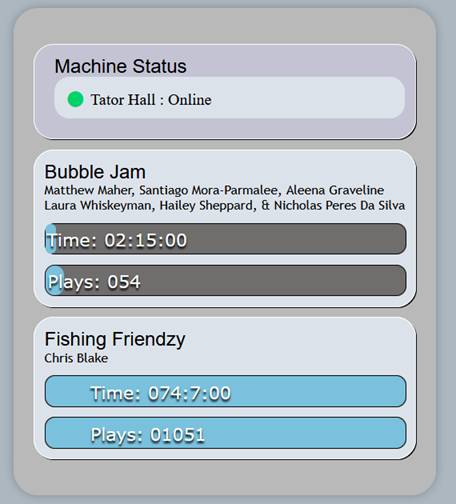
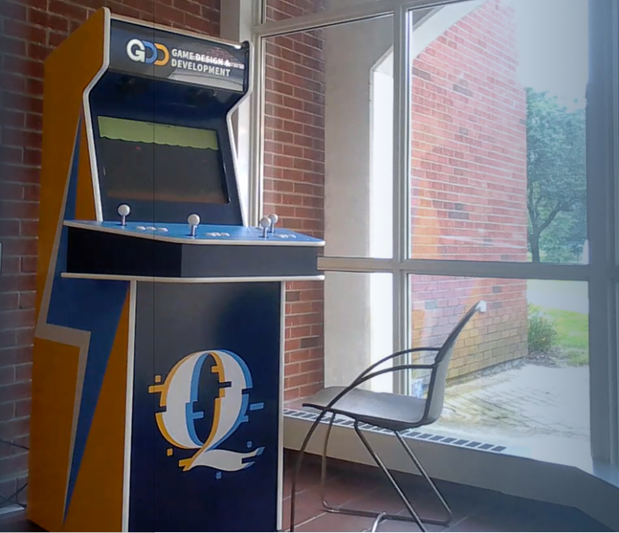
The Launcher software provides data to an analytics portal which students can access to see how much their game is being played.
It also displays a QR code teams can utilize to point players to their portfolios.
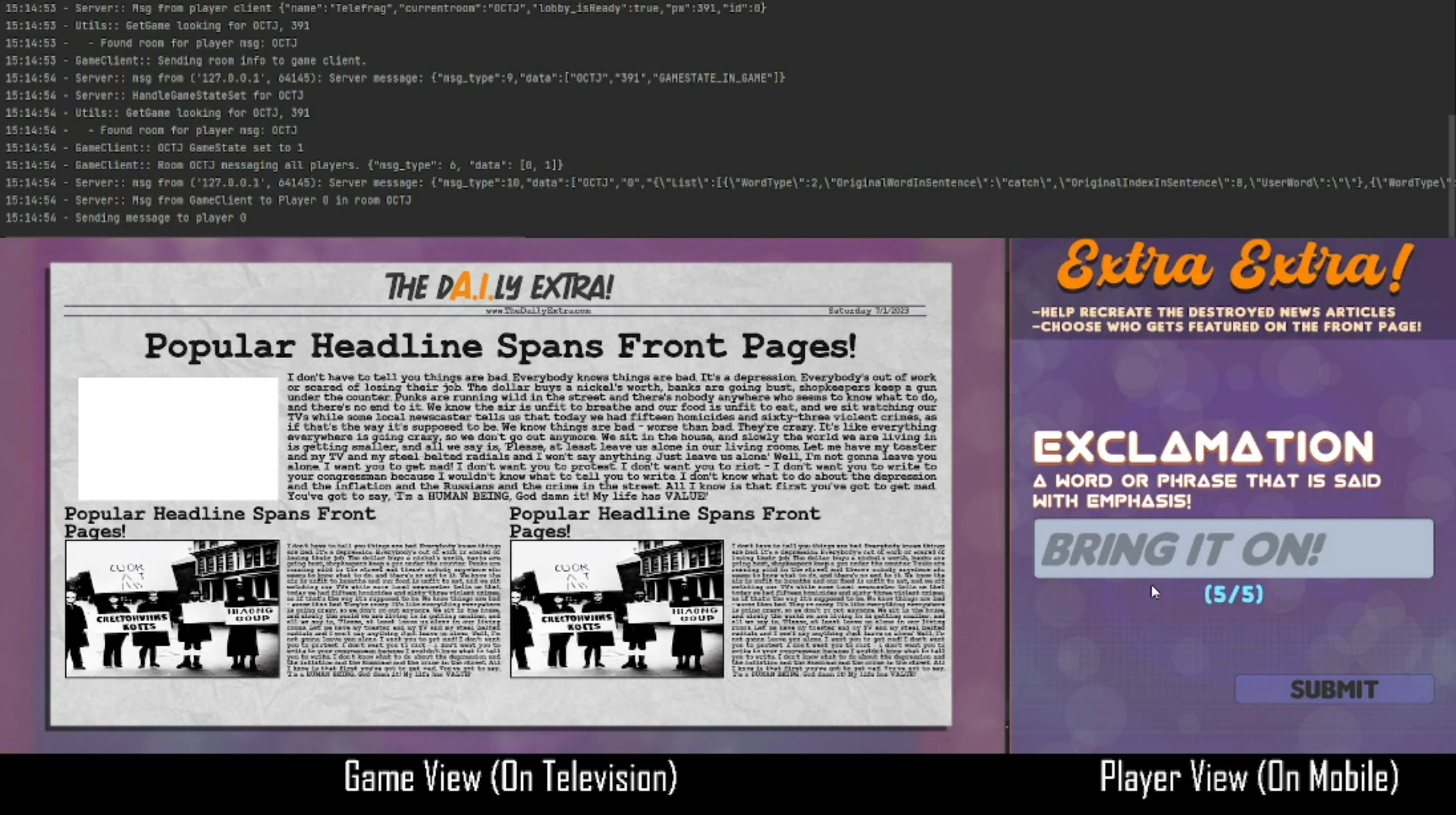
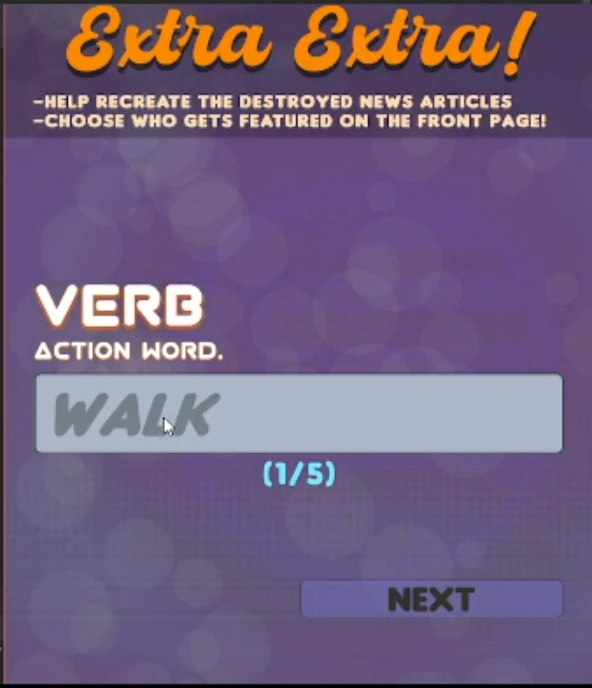
- Host: Unity game client running on PC/Console to display gameplay instructions and act as session relay.
- Players: Unity game client on mobile device. Provides individual player input for games sent to Host.
- Server: Python script running TCP socket server to handle relaying Player/Host data and batching AI generated images passed from a RunPod instance.
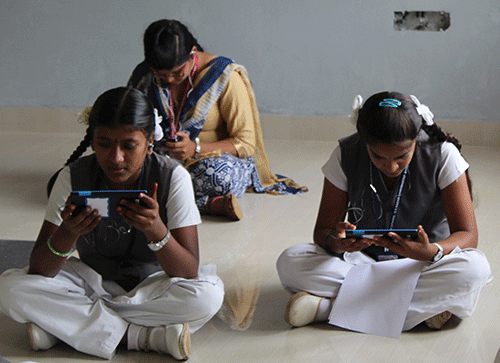
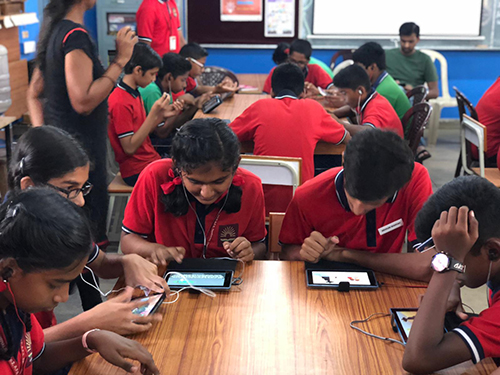
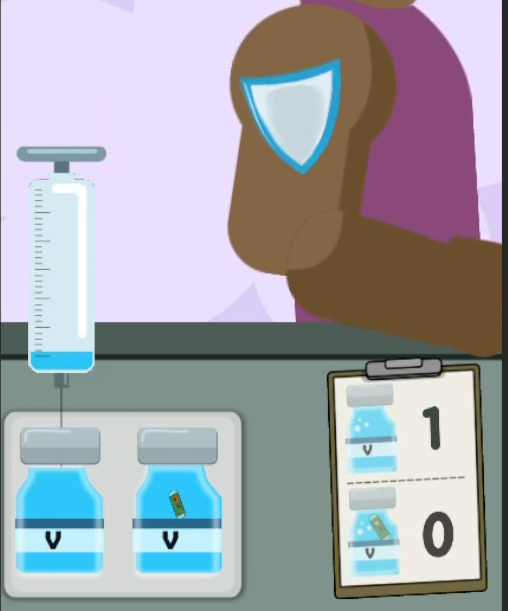
Designed and developed between 2016 - 2018, the game was eventually deployed to dozens of schools. Hundreds of students from rural and urban areas of India had a chance to play and learn about planning for their family and safe sex habits.
Gates Open Research Article about the project
My Future Family Website
- Prototyping several minigames and using feedback to iterate on designs as the game continued to evolve.
- Created a developer tool in Unity to customize in-game videos with overlayed, localized, text, through an editor window. The developer could insert text events along the video timeline to display translated text at exact moments throughout the playback.
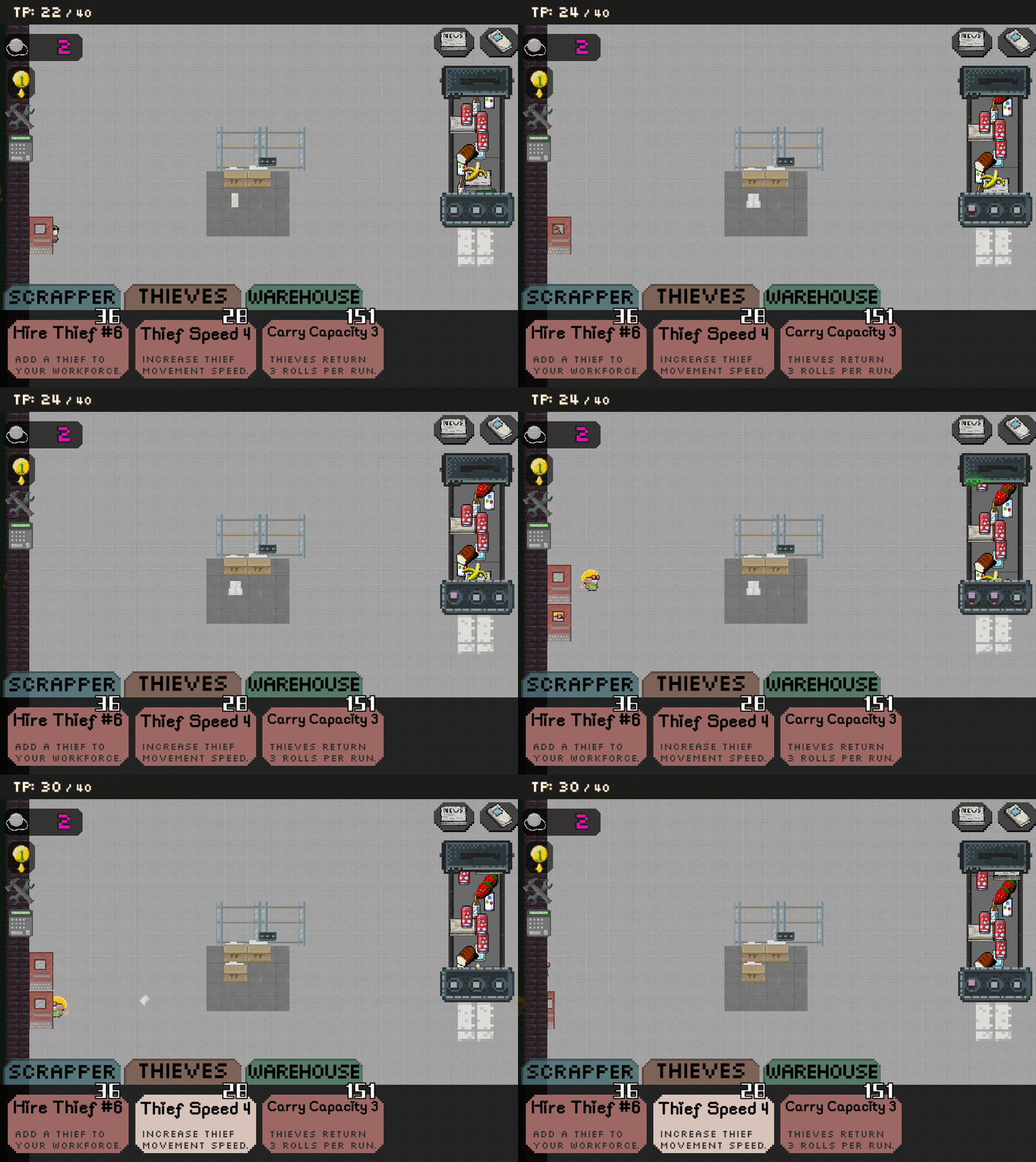
Utilizes Kong API to post users scores to High Score Board.
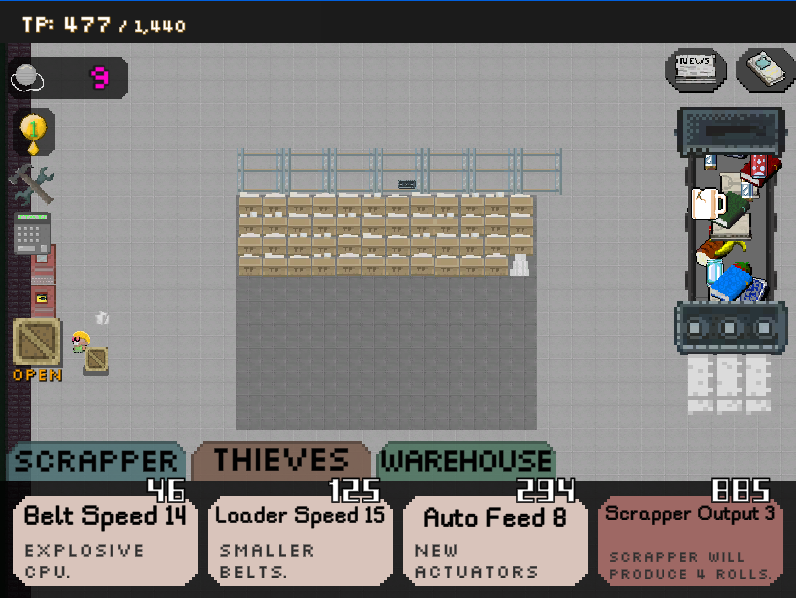
Utilizes GameSparks API to store users scores online and reward each days best hoarders with in game currency.
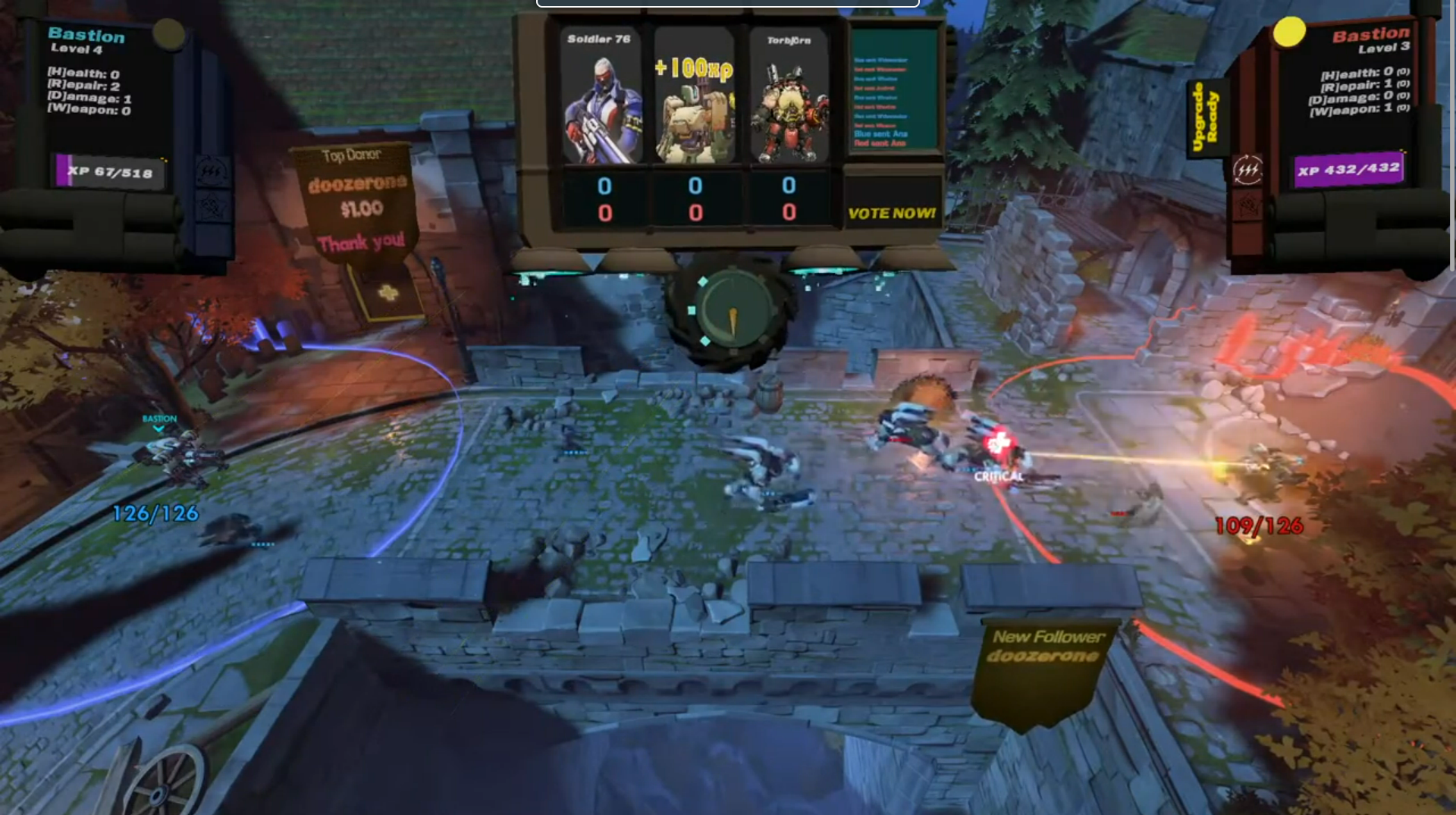
The Overwatch game client and a Unity-built overlay are run on the hosts computer, and audience members on Twitch can participate by voting for units to be spawned by typing their votes into the Twitch chat.
This game had a rather complex set up and required a dedicated computer to run it, so it wasn't practical to keep online for long.
How it works:
- A custom Overwatch game mode (created with the Overwatch Workshop Scripting tools) is started by the host.
- Game mode listens for combinations of keyboard input to determine which units to create.
Ex: Shift + W creates a Reaper for the Blue team, Ctrl + W creates a Reaper for the Red team. - The Overlay application is started by the host. This system mimics keyboard input to pass commands to the Overwatch client. It decides which commands to pass by connecting to the Twitch API and listening to incoming chat messages for vote commands. Ex: "r1" is a vote for the left-most unit for the red team. After each voting period ends, the unit with the most votes for each team spawns that unit.
- OBS streaming software is used to capture the Overwatch client and Overlay video output and combine them for casting to Twitch, so viewers could watch and play.
Jarvis responds to voice commands through an offline Speach-To-Text library, where it then attempts to interpret the text and provide an appropriate response. Current features:
- Tell time/day
- Tell weather: Current, tonight, tomorrow, tomorrow night, next weekend. Uses Open Weather API.
- Read and display news headlines. Uses News API
- Display stock/crypto price movements. Uses CoinGeko API
- Display information about overhead (from my location) air traffic. Uses OpenSky API
- Play music from YouTube. Supports Play, Pause, and Stop commands.
- Create and manage lists, send lists to my phone. Great for shopping.
Jarvis responds to voice commands through an offline Speach-To-Text library, where it then attempts to interpret the text and provide an appropriate response. Current features:
- Tell time/day
- Tell weather: Current, tonight, tomorrow, tomorrow night, next weekend. Uses Open Weather API.
- Read and display news headlines. Uses News API
- Display stock/crypto price movements. Uses CoinGeko API
- Display information about overhead (from my location) air traffic. Uses OpenSky API
- Play music from YouTube. Supports Play, Pause, and Stop commands.
- Create and manage lists, send lists to my phone. Great for shopping.

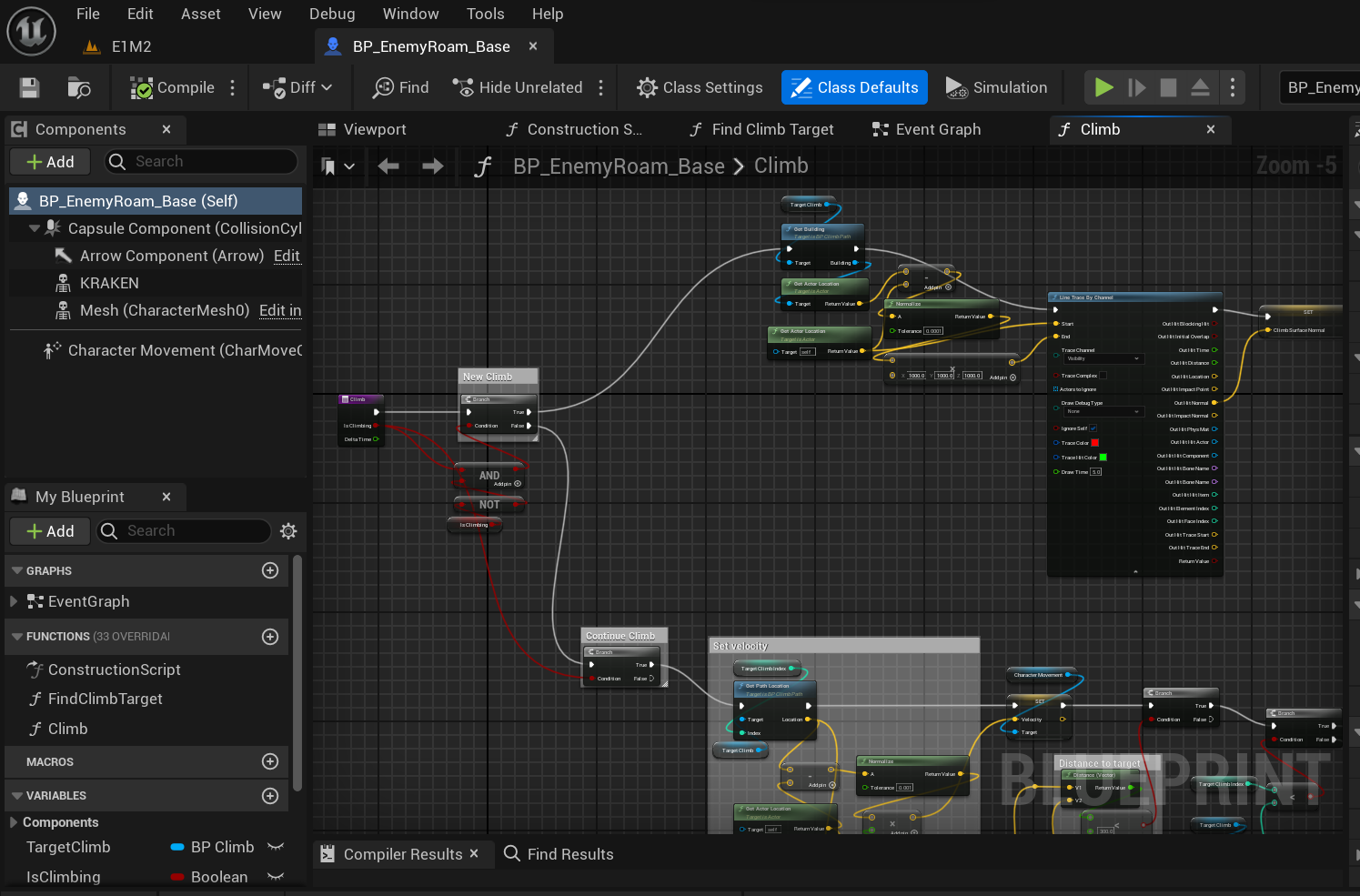
 Unity
Unity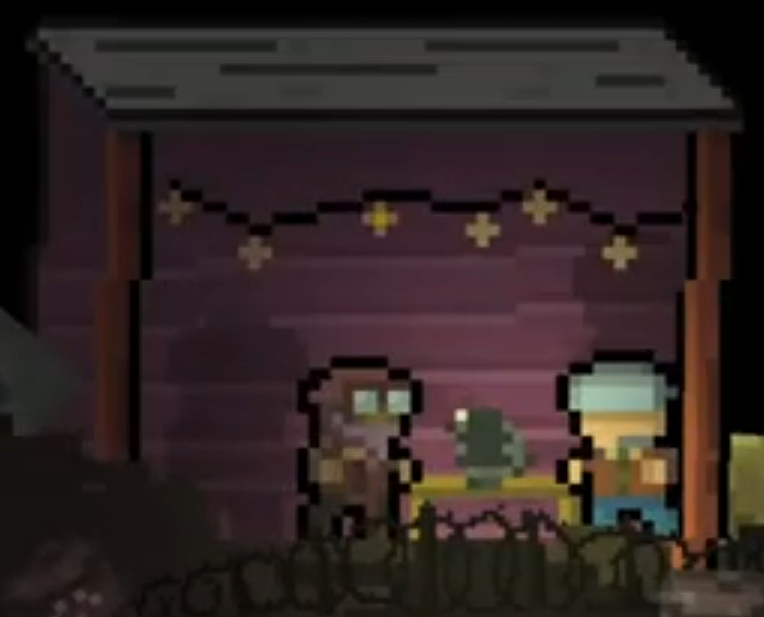
 Activate My Shield
  QU Arcade
  TP Hoarder
  Twitch Plays Overwatch